Content Templates: Reusable Article Frameworks That Compound Over Time

Content templates are pre-built structural frameworks that give writers a repeatable skeleton for specific article types. They define the bones of a piece — heading hierarchy, section order, SEO checkpoints, CTA placement — so writers can focus on the substance instead of reinventing structure every time they sit down to draft. A well-built article framework cuts production time by 30–50%, enforces consistency across a team, and creates a baseline quality floor that rises with each iteration. They’re not style guides. They’re not editorial calendars. They’re the reusable blueprints that turn content production from a craft-based bottleneck into a scalable engine.
If you’ve ever watched a team of five writers produce five wildly different articles from the same brief, you already understand the problem content templates solve.
What Are Content Templates and Why Do They Matter?
Think of a content template as the architectural plan for an article. It doesn’t tell you what color to paint the walls or what furniture to buy. It tells you where the load-bearing walls go, where the doors open, and how traffic flows through the space.
A content blueprint matters because it encodes your team’s accumulated knowledge about what works. Every time you publish, you learn something — which intro patterns hook readers, which H2 structures rank, which CTA positions convert. Without templates, that knowledge lives in individual heads. With templates, it lives in a system.
The practical benefits stack up fast:
- Speed: Writers spend less time on structural decisions and more time on research and prose.
- Consistency: Every piece hits minimum SEO and editorial standards regardless of who writes it.
- Onboarding: New writers (especially freelancers) produce usable drafts faster.
- Scalability: You can double output without doubling revision cycles.
The Difference Between a Template, a Brief, and a Style Guide
These three tools get conflated constantly, so let’s draw clean lines.
A content template is a reusable structural skeleton. It applies to an entire content type — every how-to article, every comparison post, every listicle. It defines section order, heading patterns, word count ranges, and where SEO elements go.
A content brief is a one-off assignment document. It covers a specific article: target keyword, search intent, competitor analysis, unique angle, source suggestions. Briefs change with every piece. Templates don’t.
A style guide governs voice, tone, formatting rules, and brand standards. Oxford comma or not. Whether you use “we” or “the team.” How you format numbers.
All three work together. The style guide sets the rules of language. The template sets the rules of structure. The brief fills in the specifics for a single piece. When a writer sits down, they should have all three — but the template is the one that saves the most time because it eliminates the highest-friction decisions.
How Reusable Frameworks Create Compounding Returns
Here’s where content templates get genuinely interesting. They don’t just save time on day one. They get better.
After you publish 10 articles using the same SEO content template, you have performance data. You notice that articles where the intro is under 80 words outperform those with 150-word intros. You notice that a specific H2 pattern correlates with featured snippet wins. You update the template.
Now every future article benefits from that insight automatically. The writer doesn’t need to know why the intro should be short — the template just says “60–80 words, direct answer to the query.”
This is the compounding effect. Each refinement raises the baseline quality of every piece produced from that template. Over 6–12 months, a team running on well-maintained templates will outperform a team of equally skilled writers working from scratch every time. The gap widens with every iteration cycle.
Anatomy of a High-Performing Article Framework
Not all templates are created equal. A weak template is just a list of headings. A strong one is a decision-reduction machine that embeds SEO logic, editorial standards, and conversion architecture into a single document.
Core Structural Elements Every Blueprint Needs
Every serious content blueprint should include these components:
-
Title formula: Not a fixed title, but a pattern. For how-to posts, something like “How to [Action] [Object] in [Timeframe/Context].” This gives writers a proven structure while leaving room for the specific topic.
-
Meta description slot: A fill-in-the-blank pattern with character count guidance (150–160 characters). Writers shouldn’t have to guess at the format.
-
Intro hook pattern: Define the approach — direct answer, stat-lead, scenario, or question. Specify approximate word count. For SEO content templates targeting informational queries, a direct answer in the first 50 words is almost always the right call.
-
H2/H3 hierarchy rules: How many H2s, whether H3s are required under each, and what role each section plays (setup, evidence, application, summary).
-
Word count guidance: A range, not a fixed number. “1,200–1,800 words” gives writers room to match the depth the topic demands.
-
Internal linking placeholders: Mark where links should go — “Link to relevant pillar page here” or “Link to related how-to post here.” This prevents the common problem of writers finishing a draft with zero internal links.
-
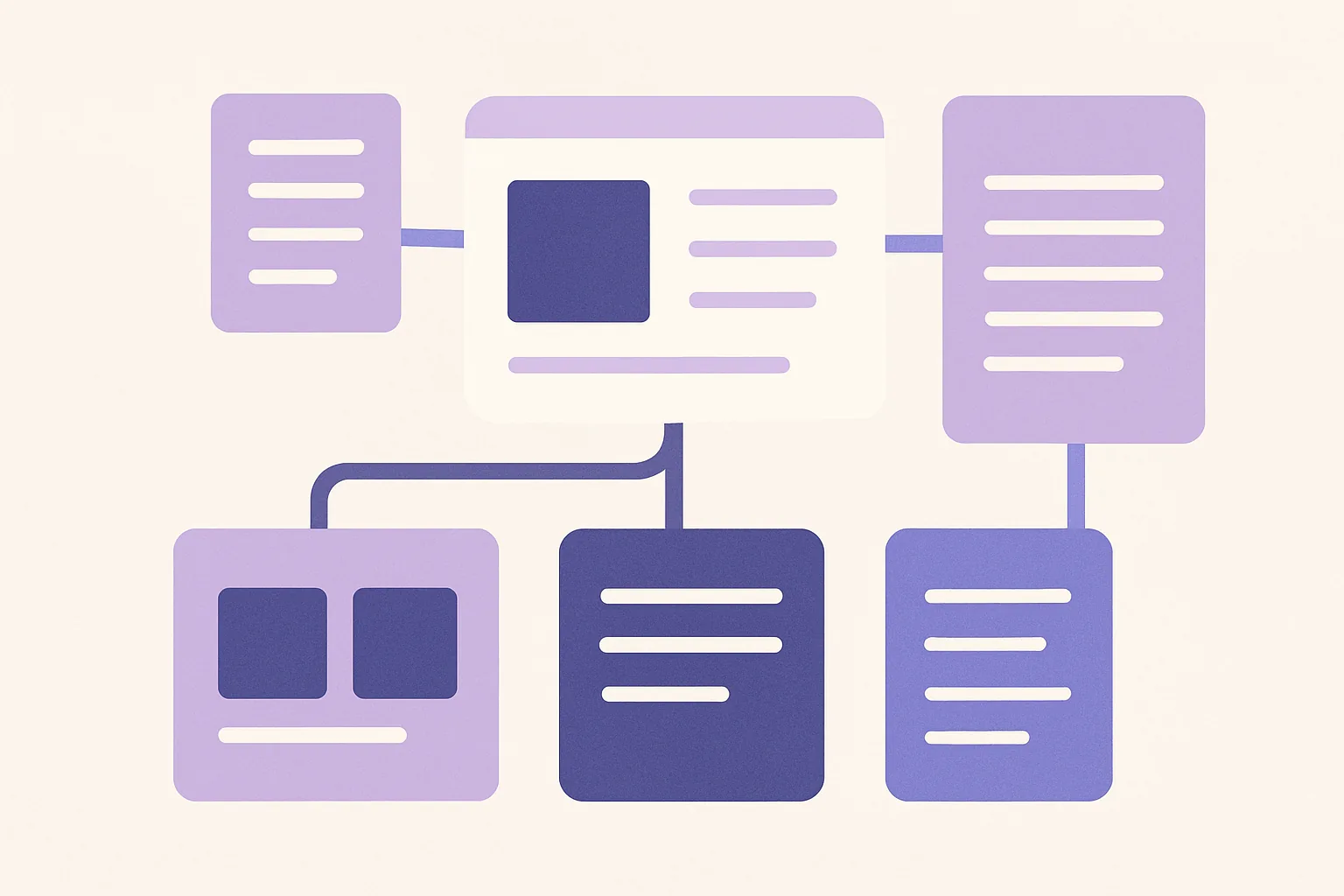
Media placeholders: Indicate where images, tables, or embedded content should appear. Even a note like "
 " helps.
 -
CTA slots: Define where calls to action belong and what type — soft CTA mid-article, hard CTA at close, or contextual CTAs within relevant sections.
Embedding SEO Content Templates Into Your Workflow
The biggest mistake teams make with templates is keeping SEO separate. Writers get a template and a keyword spreadsheet and a SERP analysis doc. That’s three documents when it should be one.
Bake SEO directly into the article framework:
- Primary keyword placement: Mark exactly where it should appear — title, first paragraph, at least one H2, meta description.
- Secondary keyword list: Embed it in the template with notes on where each naturally fits.
- Search intent signal: State it plainly at the top. “This is an informational query. The searcher wants step-by-step instructions, not a product pitch.”
- SERP feature targets: If the query triggers featured snippets, note the format (paragraph, list, table) and which section should target it.
- People Also Ask opportunities: List 3–5 PAA questions and indicate which ones the article should answer directly (these often make great H3s).
When SEO lives inside the template, writers don’t need a separate checklist. They just follow the framework. If you’re looking to welcome more structure into your content process, this single change — merging SEO into the template — delivers the fastest results.
Balancing Rigidity With Creative Flexibility
“Templates kill creativity” is the most common objection. It’s also wrong — but only if you design templates correctly.
The rule is simple: lock the structure, free the voice.
Fixed elements (non-negotiable):
- Heading hierarchy and section order
- SEO keyword placement
- CTA positions
- Meta description format
- Internal linking requirements
Flexible elements (writer’s choice):
- Intro angle and hook style
- Examples, anecdotes, and analogies
- Tone within brand guidelines
- Depth per section (within the word count range)
- Closing thought or perspective
A musician doesn’t feel constrained by song structure. Verse-chorus-verse is a framework. What makes a song great is what happens inside that framework. Content templates work the same way.
Five Proven Content Blueprint Patterns You Can Steal
These aren’t theoretical. Each pattern below has been pressure-tested across thousands of articles. Adapt them to your niche, but respect the structural logic — it’s there for a reason.
The How-To Tutorial Template
Best for: Informational intent queries (“how to migrate a website,” “how to write a business plan”)
Skeleton:
- Intro (60–80 words): State what the reader will accomplish. Direct answer to the query.
- Prerequisites/What You’ll Need (optional): Tools, access, or knowledge required before starting.
- Numbered Steps (bulk of the article): Each step gets an H3. One action per step. Include expected outcome for each.
- Troubleshooting (H2): 3–5 common problems with solutions. Great for PAA targeting.
- Outcome Summary (50–100 words): What the reader should now have or know. Soft CTA.
This is the workhorse template for most content teams. According to a 2023 analysis by Semrush, how-to articles are among the top-performing content formats for organic traffic, generating 2x more traffic on average than other article types.
The Listicle With Depth Template
Best for: Queries seeking multiple options or ideas (“best project management tools,” “email subject line examples”)
Skeleton:
- Intro (80–120 words): State the selection criteria. Why these items and not others.
- Numbered Items (each as H2 or H3): Each item gets 150–300 words. Include what it is, why it matters, and when to use it.
- Comparison Table (optional): Quick-reference summary of all items against key criteria.
- Verdict/Recommendation (100–150 words): Situational picks. “If you need X, go with #3. If budget matters most, #7.”
The key differentiator from a thin listicle is depth per item. Don’t just name things — give the reader enough to make a decision.
The Comparison and Decision Guide Template
Best for: Commercial investigation queries (“X vs Y,” “best CRM for small business”)
Skeleton:
- Intro: State who this comparison is for and what decision it helps with.
- Evaluation Criteria (H2): Define the 4–6 factors you’re comparing against. This sets expectations and builds trust.
- Individual Assessments (H2 per option): Evaluate each option against your stated criteria.
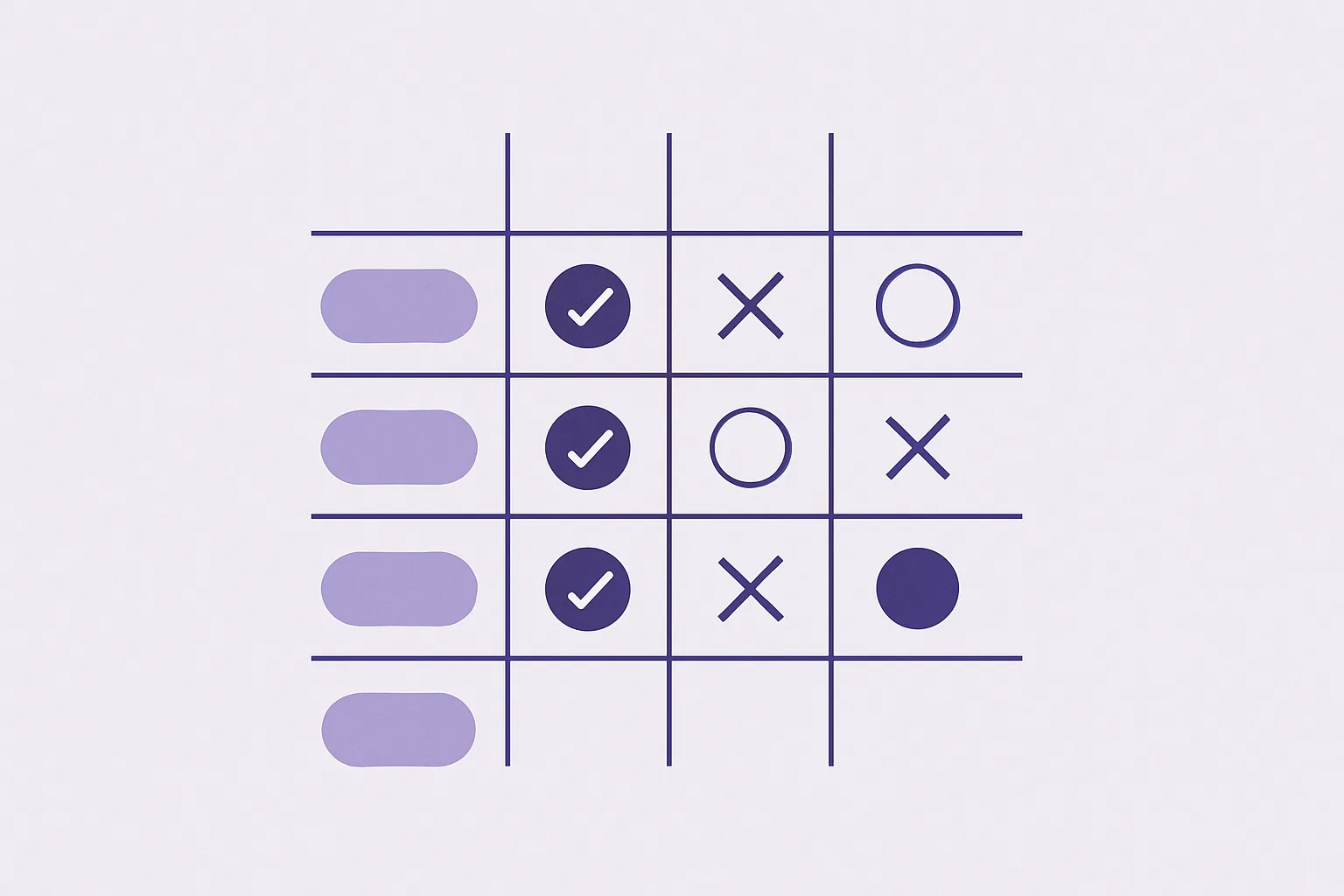
- Summary Table: Side-by-side comparison at a glance.
- Situational Recommendations (H2): “Choose A if… Choose B if…” — this is the section that wins featured snippets.
The Problem-Agitate-Solve Editorial Template
Best for: Thought leadership, opinion pieces, and content targeting pain-point queries
Skeleton:
- The Problem (H2, 200–300 words): Describe the pain point in vivid, specific terms. Use data or a scenario.
- Why It’s Worse Than You Think (H2, 200–400 words): Deepen the stakes. Show second-order consequences. This is the “agitate” phase.
- The Solution (H2, 400–600 words): Deliver a structured answer with evidence. Break into H3 sub-steps if the solution has multiple parts.
- Proof It Works (H2, 150–250 words): Case study, data, or testimonial.
- What to Do Next (CTA): Clear, single next action.
This article framework works exceptionally well for email-driven content and social sharing because the agitation phase creates emotional investment before the payoff.
The Data-Driven Original Research Template
Best for: Link-building content, industry authority building, proprietary insights
Skeleton:
- Key Finding Summary (intro): Lead with the most surprising or important finding.
- Methodology (H2): How you collected the data, sample size, timeframe, limitations. Keep it honest.
- Finding #1, #2, #3 (H2 each): One finding per section. Each includes the data point, a visualization placeholder, and analysis of what it means.
- Implications (H2): What should the reader do differently based on this data?
- Full Data/Download (optional CTA): Offer the raw data or a PDF summary as a lead magnet.
Original research is the hardest content to produce and the most rewarding to template. The methodology section alone — which most teams forget or bury — builds enormous credibility when placed prominently.
Building, Testing, and Iterating Your Own SEO Content Templates
Off-the-shelf patterns are a starting point. The real advantage comes from custom templates built on your own performance data.
Reverse-Engineering Your Best-Performing Articles
Start here. Pull your top 10 articles by organic traffic or conversions over the last 12 months. Then ask:
- What’s the average word count?
- How many H2s and H3s do they use?
- Where does the primary keyword appear?
- What intro pattern do they follow?
- How are CTAs positioned?
- What content type are they (how-to, listicle, comparison)?
You’re looking for repeatable structural patterns, not topical similarities. If seven of your top 10 articles open with a direct-answer intro under 75 words, that’s a pattern worth encoding into your content blueprint.
Map these patterns onto a blank template. You’ve just created a framework reverse-engineered from your own winners.
Pilot Testing With Writers and Measuring Output Quality
Don’t roll out a new template to your entire team on day one. Run a controlled test.
Give half your writers the new template. Give the other half a standard brief without the template. Assign comparable topics to both groups. Then measure:
| Metric | Template Group | Control Group |
|---|---|---|
| Average time-to-first-draft | Track in hours | Track in hours |
| Revision rounds before publish | Count per article | Count per article |
| Organic traffic at 30 days | Measure per article | Measure per article |
| Average time on page | GA4 metric | GA4 metric |
Even a small pilot of 6–8 articles per group gives you directional data. If the template group produces drafts 35% faster with fewer revision rounds, you have your answer. Be sure to review the terms of any tools you use for tracking to ensure data accuracy.
Version Control and Template Governance at Scale
Templates decay. Someone makes an “improvement” without telling the team. A freelancer works from a version that’s three months old. The SEO team updates keyword strategy but nobody touches the templates.
Prevent this with basic governance:
- Single source of truth: Store templates in one location. A wiki, a shared workspace, a docs folder — pick one and enforce it.
- Version numbering: Every update gets a version number and a dated changelog. “v2.3 — Updated intro pattern based on Q3 performance data, March 2024.”
- Ownership: Assign one person as template owner per content type. They approve changes and communicate updates.
- Quarterly review cadence: Schedule template reviews tied to your content performance reporting cycle.
For teams under 5 people, a shared document with version history works fine. Larger operations need a wiki or knowledge base with access controls and notification systems for updates.
Frequently Asked Questions About Content Templates
How Many Templates Does a Content Team Actually Need?
Most teams operate well with 4–7 core templates covering their primary content types. A typical set might include a how-to template, a listicle template, a comparison guide, a thought leadership piece, and a news/update format. Resist the urge to create templates for every edge case — a template that gets used twice a year isn’t worth maintaining.
Can Templates Hurt Originality or Brand Voice?
Only if they over-prescribe language and tone. A well-designed content template constrains structure and SEO elements while leaving voice, examples, and angle entirely to the writer. Think of it as guardrails on a highway — they keep you on the road without dictating your speed or the music you play.
What Is the Best Format for Storing Article Frameworks?
It depends on team size. Teams of 1–5 writers do fine with shared documents that include built-in version history. Teams of 6+ benefit from a wiki-based system or knowledge management platform where templates can be tagged, searched, and updated with change logs. The critical feature is version history — you need to know what changed, when, and why.
Should Freelancers and External Writers Use the Same Templates?
Absolutely — and they may benefit even more than in-house writers. External writers lack institutional knowledge about your audience, SEO strategy, and content standards. A template fills those gaps instantly. When onboarding freelancers, pair the template with a brief style guide overview and one exemplar article that was produced from the template. That combination gets most freelancers to a publishable first draft.
How Often Should You Update Your Content Blueprints?
Review quarterly using performance data from articles produced with the template. Look at organic traffic trends, engagement metrics, and conversion rates. If performance is stable or improving, leave the template alone. Major search algorithm updates, a shift in content strategy, or consistently declining metrics all warrant immediate revision.
Do Content Templates Work for Video and Podcast Scripts?
Yes. The structural logic transfers directly. A how-to video template mirrors a how-to article template — intro hook, steps, troubleshooting, CTA. The adaptations are practical: add timing cues per section (e.g., “intro: 30–45 seconds”), segment transition markers, and notes for B-roll or visual aids. Podcast templates benefit from guest question sequences and episode segment markers with approximate durations.
From One-Off Articles to a Scalable Content Engine
Content templates aren’t a shortcut. They’re infrastructure. The difference between a team that publishes 10 articles a month and struggles with quality, and a team that publishes 30 with consistent results, usually isn’t talent or budget. It’s systems.
The real value doesn’t show up in week one. It shows up in month six, when your templates have been refined through three review cycles, your writers hit their stride on the first draft, and your revision queue shrinks to a fraction of what it was.
Here’s your next step: pull your three best-performing articles this week. Identify the structural patterns they share. Abstract those patterns into one reusable content template. Test it on your next three assignments. Measure the difference. That’s how you start building a content engine that compounds.