llms.txt vs robots.txt: The New AI Crawling Standard Explained
The llms.txt file is a proposed standard that tells large language models and AI crawlers how to interact with your website’s content. Think of it as a companion to robots.txt — but built specifically for the AI era. While robots.txt has governed search engine crawler behavior since 1994, it was never designed to handle the nuances of AI training pipelines, retrieval-augmented generation, or content summarization. The llms.txt standard fills that gap, giving site owners a purpose-built mechanism for AI crawler control.
Proposed by Jeremy Howard (co-founder of fast.ai and Answer.AI) in late 2024, the llms.txt specification emerged from a straightforward observation: AI systems don’t consume web content the way search engines do. They need clean, structured text — not rendered HTML with navigation bars, sidebars, and cookie banners. And website owners need a way to tell these systems what’s fair game and what isn’t.
What Is llms.txt and Why Does It Exist?
The llms.txt standard exists because the web’s existing infrastructure for communicating with automated agents has a blind spot. Robots.txt speaks one language — the language of search engine crawlers. It says “crawl this, don’t crawl that.” But it has nothing to say about whether an AI model should train on your content, summarize your articles, or pull your documentation into a retrieval-augmented generation (RAG) pipeline.
That distinction matters. A lot.
When Google’s crawler indexes your page, it creates a pointer. Users still click through to your site. When an AI model ingests your content for training or retrieval, the dynamics shift entirely. Your content might be summarized, paraphrased, or served directly in an AI-generated response — sometimes without attribution, sometimes without a link back. The llms.txt standard gives publishers a voice in that process.
The Problem robots.txt Was Never Designed to Solve
Robots.txt operates on a simple model: you specify user agents (like Googlebot or Bingbot), then allow or disallow specific URL paths. It’s binary — crawl or don’t crawl. That worked beautifully for three decades of traditional search.
But AI systems interact with content in fundamentally different ways:
- Training data collection: Scraping massive datasets to train or fine-tune models
- Retrieval-augmented generation (RAG): Pulling live content to ground AI responses in current facts
- Content summarization: Condensing pages into brief answers served directly to users
- Code and documentation parsing: Extracting structured knowledge from technical resources
Robots.txt can’t distinguish between these use cases. You can block an AI crawler entirely with robots.txt, sure. But you can’t say “use my documentation for RAG but don’t train on my blog posts.” You can’t say “here’s a clean markdown version of my key pages — use these instead of scraping my messy HTML.”
That’s the gap llms.txt was designed to fill.
How the llms.txt Standard Works Under the Hood
The llms.txt file lives in your site’s root directory — just like robots.txt. You’d access it at yoursite.com/llms.txt. But the similarity in placement is where the structural parallels end.
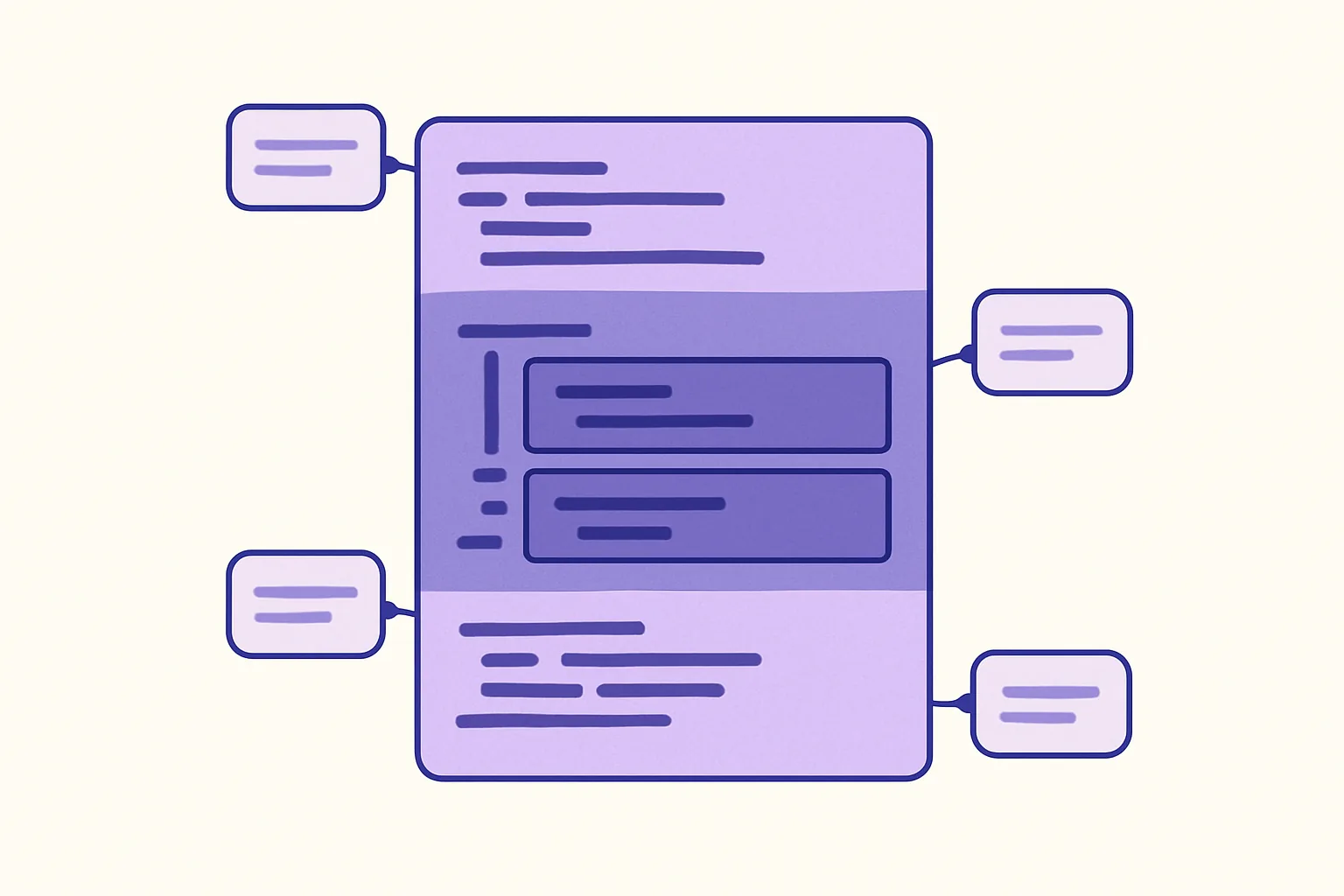
Instead of crawl directives, llms.txt uses a markdown-based format. The file contains:
- A title (H1 heading) identifying the site or organization
- A description — a brief blockquote explaining what the site is about
- Categorized links to markdown versions of your key content, organized under H2 headings
The links point to clean, LLM-friendly markdown files rather than standard HTML pages. This is the critical design choice. AI models perform better with structured text free of navigation elements, ads, and layout code.
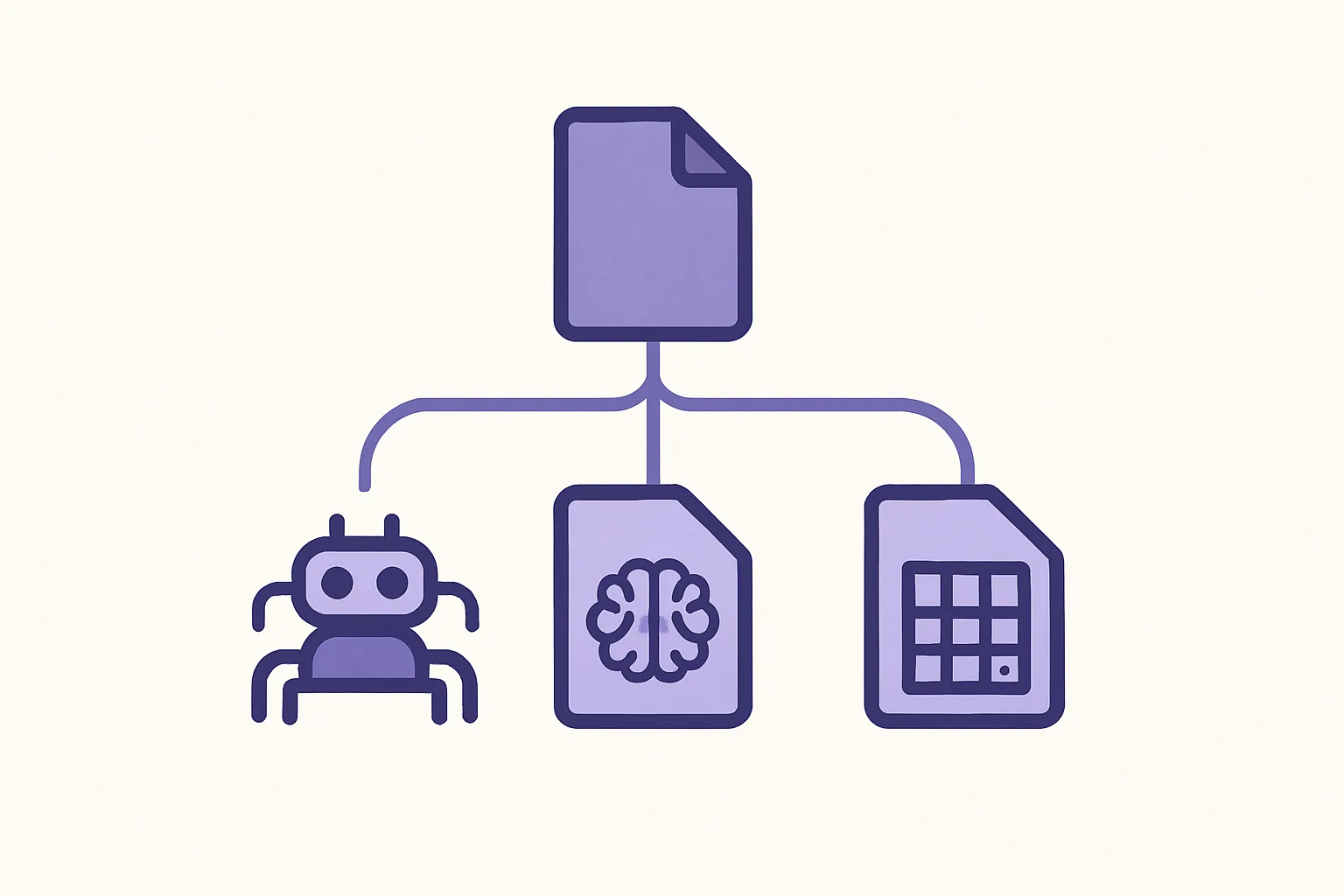
There’s also the llms-full.txt variant. While the standard llms.txt provides links and summaries, llms-full.txt can contain the complete text of your key content in a single file. This is useful for smaller sites or when you want to give AI systems everything in one shot without requiring them to follow multiple links.
Here’s a simplified example of the structure:
# Acme Software

> Acme Software builds developer tools for API management. This file provides LLM-friendly content about our products and documentation.

## Docs
- [Getting Started](https://acme.com/docs/getting-started.md): Quick-start guide for new users
- [API Reference](https://acme.com/docs/api-reference.md): Complete API documentation

## About
- [Company Overview](https://acme.com/about.md): Mission, team, and history
Simple. Readable by both humans and machines. No arcane syntax to memorize.
Key Differences Between robots.txt and the llms.txt Standard
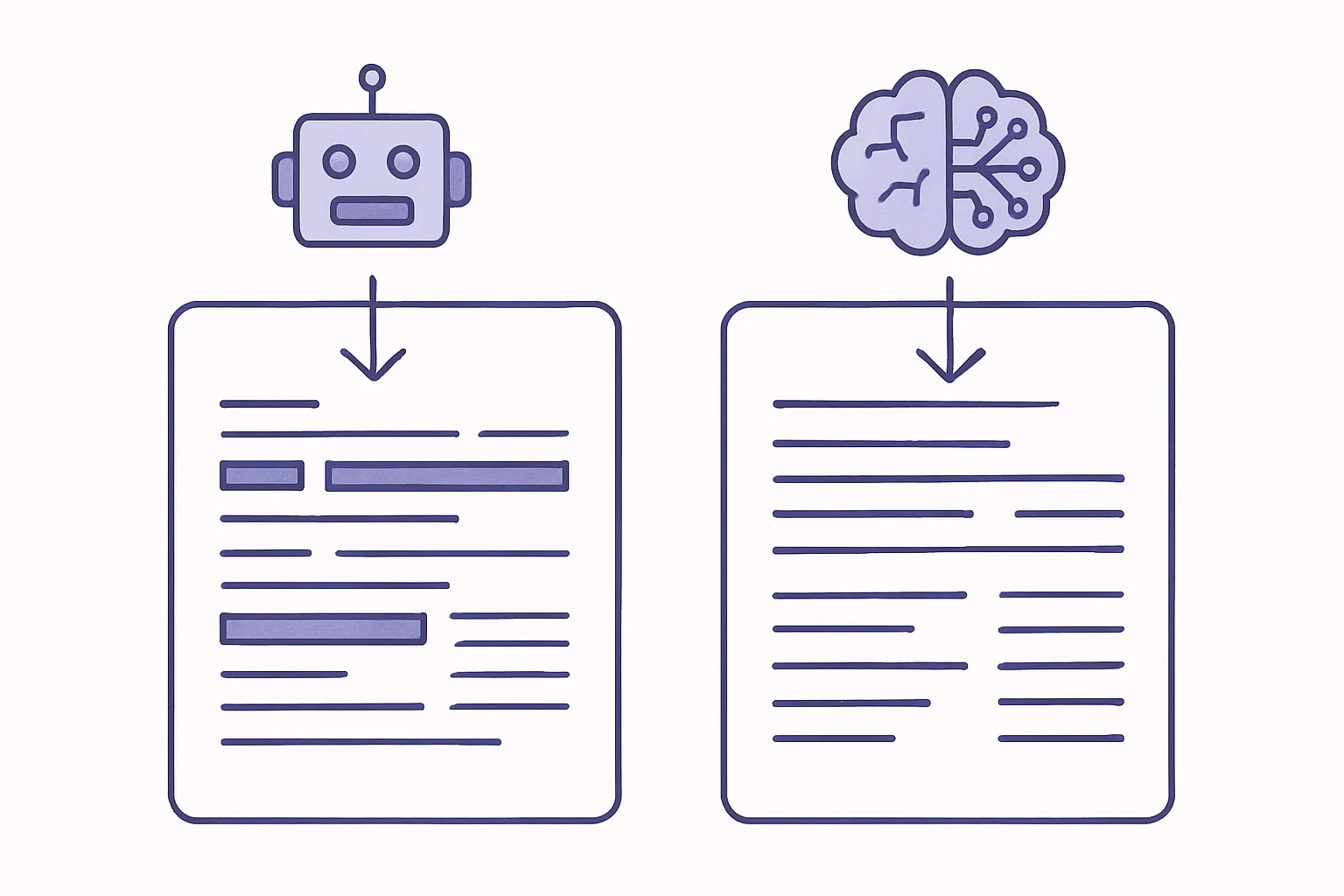
These two files serve the same broad goal — communicating with automated agents — but they diverge in nearly every detail. Here’s how they compare:
| Feature | robots.txt | llms.txt |
|---|---|---|
| Primary purpose | Control search engine crawling and indexing | Guide AI model content consumption |
| Target agents | Search engine bots (Googlebot, Bingbot, etc.) | LLM agents and AI crawlers |
| File format | Custom directive syntax (Allow/Disallow) | Markdown with headings, links, and descriptions |
| Content model | Points to URL paths to allow or block | Points to clean markdown versions of content |
| Scope | Binary access control (crawl or don’t) | Content curation and prioritization for AI |
| Enforcement | Voluntary (good-faith adherence) | Voluntary (good-faith adherence) |
| Companion file | sitemap.xml | llms-full.txt |
| Established | 1994 | 2024 (proposed) |
The most important distinction isn’t technical — it’s philosophical. Robots.txt is a gatekeeper. It says “stay out” or “come in.” The llms.txt standard is more like a concierge. It says “here’s what we have, here’s how it’s organized, and here’s the best version for your needs.”
Scope of Control: Search Indexing vs. AI Training and Retrieval
Robots.txt governs whether a crawler can access a URL. That’s it. Once a search engine crawls and indexes a page, robots.txt has done its job.
The llms.txt standard operates in a different dimension. It doesn’t block access (that’s still robots.txt’s job). Instead, it curates what AI systems see and how they see it. You’re actively shaping the content that LLMs consume — choosing which pages matter most, providing clean versions optimized for machine reading, and adding context through descriptions.
These aren’t competing standards. They’re complementary layers in a content access strategy.
Can You Use Both Files Together?
Yes. You should.
Here’s a practical scenario: you run a SaaS company with a marketing site, a blog, product documentation, and a customer portal.
Your robots.txt might:
- Allow search engines to crawl your marketing pages and blog
- Block crawlers from your customer portal and internal admin pages
- Disallow specific AI crawlers (like GPTBot) from scraping your entire blog
Your llms.txt might:
- Point AI systems to markdown versions of your product documentation
- Include your pricing page and key feature overviews
- Exclude blog content you’d prefer not to be summarized without context
- Provide a clean description of your company for AI knowledge bases
The two files address different classes of automated agents with different tools. Robots.txt is your fence. llms.txt is your welcome mat — for the visitors you actually want.
How to Set Up AI Crawler Control With llms.txt on Your Site
Getting started is straightforward. The barrier to entry is low, which is by design — the standard’s creators wanted adoption to be easy.
Writing Your First llms.txt File: Syntax and Examples
Start with the minimum viable file. You need a title, a description, and at least one link to useful content.
Minimal example:
# Your Company Name

> Brief description of what your company does and what this file contains.

## Documentation
- [Main Docs](https://yoursite.com/docs/index.md): Overview of product documentation
More comprehensive example:
# Your Company Name

> Your Company builds [product type] for [audience]. This file helps AI systems understand our offerings and access our public documentation.

## Getting Started
- [Quick Start Guide](https://yoursite.com/docs/quickstart.md): Step-by-step setup instructions
- [Installation](https://yoursite.com/docs/install.md): System requirements and installation guide

## API Reference
- [REST API](https://yoursite.com/docs/api/rest.md): Complete REST endpoint documentation
- [Authentication](https://yoursite.com/docs/api/auth.md): API key and OAuth setup

## Company
- [About Us](https://yoursite.com/about.md): Company background and mission
- [Pricing](https://yoursite.com/pricing.md): Current plans and pricing details

## Optional
- [Blog Archive](https://yoursite.com/blog/index.md): Published articles and guides
- [Changelog](https://yoursite.com/changelog.md): Product updates and release notes
Notice the “Optional” section header. The specification supports marking content with different priority levels. Content under standard headings is considered core material, while “Optional” signals supplementary content that AI systems can deprioritize.
Save this file as llms.txt and place it in your root directory. If you want to provide full content in a single file, create llms-full.txt alongside it.
Best Practices for Structuring Content for LLM Consumption
Creating the llms.txt file is step one. Making sure the linked content actually works well for AI systems is step two.
Provide real markdown files. Don’t just link to your HTML pages with an .md extension. Create actual markdown versions of your key content. Strip out navigation, footers, sidebars, and any HTML that doesn’t contribute to the content itself. Many CMS platforms can export or generate markdown versions automatically.
Prioritize ruthlessly. Don’t dump every page on your site into the file. Think about what an AI system — or a user asking an AI about your product — would actually need. Product documentation, key feature pages, pricing, and getting-started guides typically belong. Your 2019 holiday party photo gallery does not.
Write descriptions that carry weight. Each link in your llms.txt file can include a brief description. Make these count. “API documentation” is less useful than “Complete REST API reference with authentication, endpoints, rate limits, and code examples in Python and JavaScript.”
Keep it current. A stale llms.txt file with broken links is worse than no file at all. Build updating it into your content maintenance workflow, right alongside your sitemap and other technical SEO assets.
Common Mistakes to Avoid During Implementation
Broken links to markdown files. This is the most common issue. You create a beautiful llms.txt file pointing to markdown versions of your content — but those markdown files don’t exist, return 404s, or haven’t been updated in months. Test every link.
Accidentally exposing sensitive content. Think carefully before linking to internal documentation, draft content, or anything behind a paywall. The llms.txt file is public. Everything you link to should be intentionally public.
Copy-pasting robots.txt syntax. The two files use completely different formats. There are no User-agent, Allow, or Disallow directives in llms.txt. It’s markdown. If you find yourself writing Disallow: /private/, you’re in the wrong file.
Set-and-forget mentality. Sites change. Pages get restructured, documentation gets versioned, products get renamed. If your llms.txt still references /docs/v1/ when you’re on v3, AI systems are getting outdated information — and potentially surfacing it to users.
Overloading the file. Including hundreds of links defeats the purpose. The llms.txt standard is about curation, not comprehensiveness. A focused file with 10-20 high-quality links outperforms a dump of 500 URLs.
The Future of AI Crawling Standards and What to Watch
The llms.txt standard is young. It’s a proposal, not a ratified specification. But its trajectory tells an interesting story about where the web is heading.
Current Adoption and Industry Momentum
Adoption is growing, particularly among developer-focused companies and documentation-heavy platforms. As of early 2025, thousands of sites have implemented llms.txt files, including major developer tools, open-source projects, and SaaS platforms. You can see a growing directory of adopters on the llmstxt.org site itself.
Several AI providers have acknowledged the standard or signaled interest in respecting it. The community-driven nature of the specification means adoption is happening bottom-up — individual site owners implementing the file and AI companies gradually recognizing it — rather than through a top-down mandate.
No formal standards body (like the W3C or IETF) has adopted llms.txt yet. But the same was true of robots.txt for years — it operated as a de facto standard long before the IETF formalized it as RFC 9309 in 2022, nearly three decades after its introduction.
How This Standard Could Reshape Content Strategy
For SEO professionals and content strategists, llms.txt represents something new: proactive AI visibility management.
Until now, controlling how AI models interact with your content has been reactive. You block crawlers after discovering they’ve scraped your site. You file complaints after finding your content reproduced without attribution. The llms.txt standard flips this dynamic. Instead of playing defense, you’re curating what AI systems see.
This has real implications for content strategy and publishing workflows. If AI-powered search tools increasingly cite sources — and early trends suggest they will — then the sites that provide clean, well-structured, LLM-friendly content may earn more citations and referrals from AI interfaces.
Think of it as SEO for the AI layer. Traditional SEO optimizes for search engine crawlers and ranking algorithms. GEO (generative engine optimization) optimizes for AI systems that generate answers. The llms.txt standard is one of the first concrete tools for GEO that site owners can implement today.
Frequently Asked Questions About llms.txt
Is llms.txt an Official Web Standard?
Not yet. It’s a community-driven proposal created by Jeremy Howard in 2024. It hasn’t been ratified by the W3C, IETF, or any formal standards body. That said, robots.txt operated as an informal convention for 28 years before getting its RFC. Community adoption often precedes formal standardization on the web.
Does llms.txt Replace robots.txt?
No. They serve different purposes and target different types of automated agents. Robots.txt controls search engine crawling. The llms.txt standard curates content for AI consumption. Use both.
Will AI Models Actually Respect llms.txt Directives?
Compliance is voluntary — the same model that robots.txt has used since 1994. Reputable AI providers have incentives to respect these files: legal risk reduction, publisher goodwill, and better-quality training data. Some major AI companies have already signaled support, though enforcement varies. Bad actors will ignore it, just as some scrapers ignore robots.txt today.
What Content Should I Include in My llms.txt File?
Focus on public-facing content that you’d want AI systems to accurately represent: product documentation, feature overviews, pricing pages, company descriptions, and key guides or tutorials. Exclude gated content, internal documentation, user-generated content you don’t control, and anything behind authentication.
How Often Should I Update My llms.txt File?
Treat it like your sitemap. Update it whenever you add, remove, or significantly restructure key content. A quarterly review is a reasonable minimum cadence for most sites. Fast-moving documentation sites might need monthly updates.
Can llms.txt Help With AI-Powered Search Visibility?
Yes — potentially. By providing clean, structured markdown versions of your most important content, you make it easier for AI systems to accurately understand and cite your site. Early evidence suggests that AI tools preferentially reference content they can parse cleanly. An llms.txt file won’t guarantee citations, but it removes friction.
Where Do I Place the llms.txt File on My Website?
Root directory. Access it at yoursite.com/llms.txt, exactly like robots.txt lives at yoursite.com/robots.txt. If you’re using the extended variant, place llms-full.txt in the same location.
Taking Control of How AI Interacts With Your Content
The web is splitting into two access layers. Traditional search engines still crawl, index, and rank. AI systems now also consume, synthesize, and redistribute. Robots.txt handles the first layer. The llms.txt standard handles the second.
Implementing llms.txt takes an hour at most. The payoff — shaping how AI models understand your brand, your products, and your expertise — compounds over time as AI-powered interfaces become a larger share of how people find information.
Audit your current setup. Check your robots.txt. Then create your llms.txt. The sites that define how AI interacts with their content today will have a structural advantage over those that wait.
References:
- Howard, J. (2024). llms.txt — A Proposal. llmstxt.org
- Koster, M. et al. (2022). RFC 9309: Robots Exclusion Protocol. IETF